01 / Quotation
It all starts right here, with a quotation.
Enter the cargo details from your client and the costs you received from carriers and vendors. A built in calculator works out the volumetric weight for each mode. Then send the quotation.

Cargo35 TMS has everything you need to run your freight operations, from quotation to the final invoice.
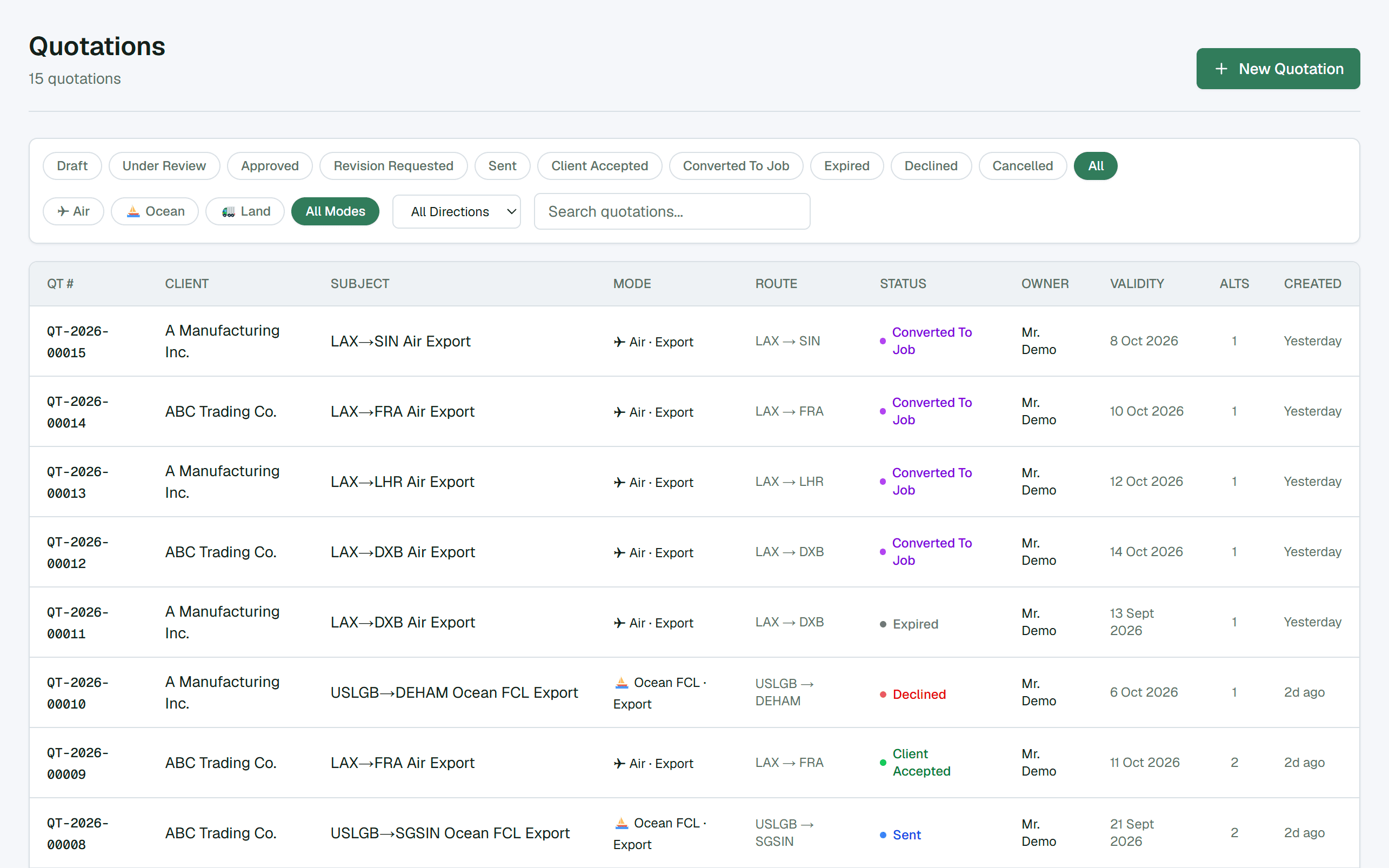
01 / Quotation
Enter the cargo details from your client and the costs you received from carriers and vendors. A built in calculator works out the volumetric weight for each mode. Then send the quotation.

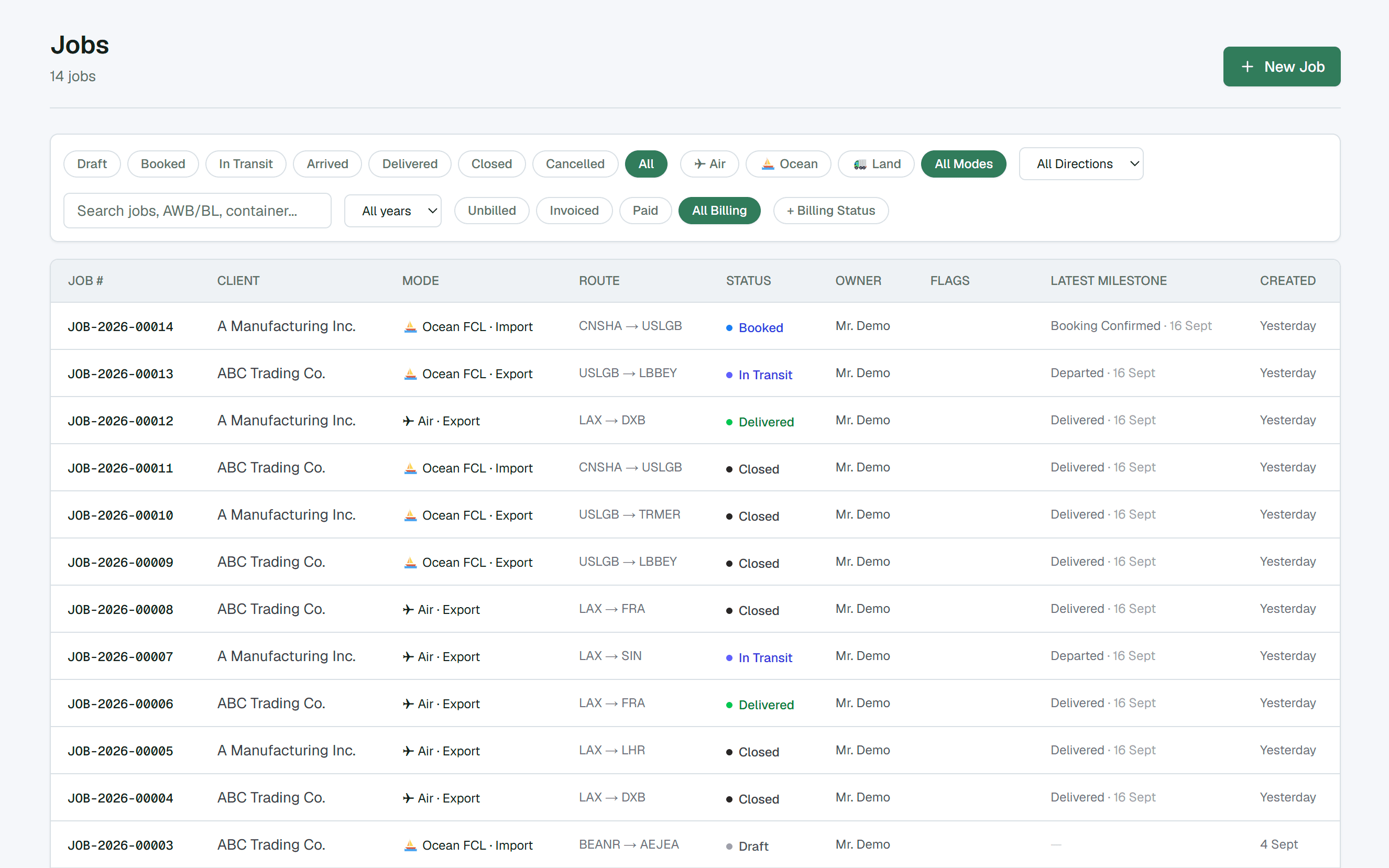
02 / Job
Once your client accepts, create the job from the quotation. Everything carries over. Track every cost on the job against what you quoted, and add the charges that turn up along the way.

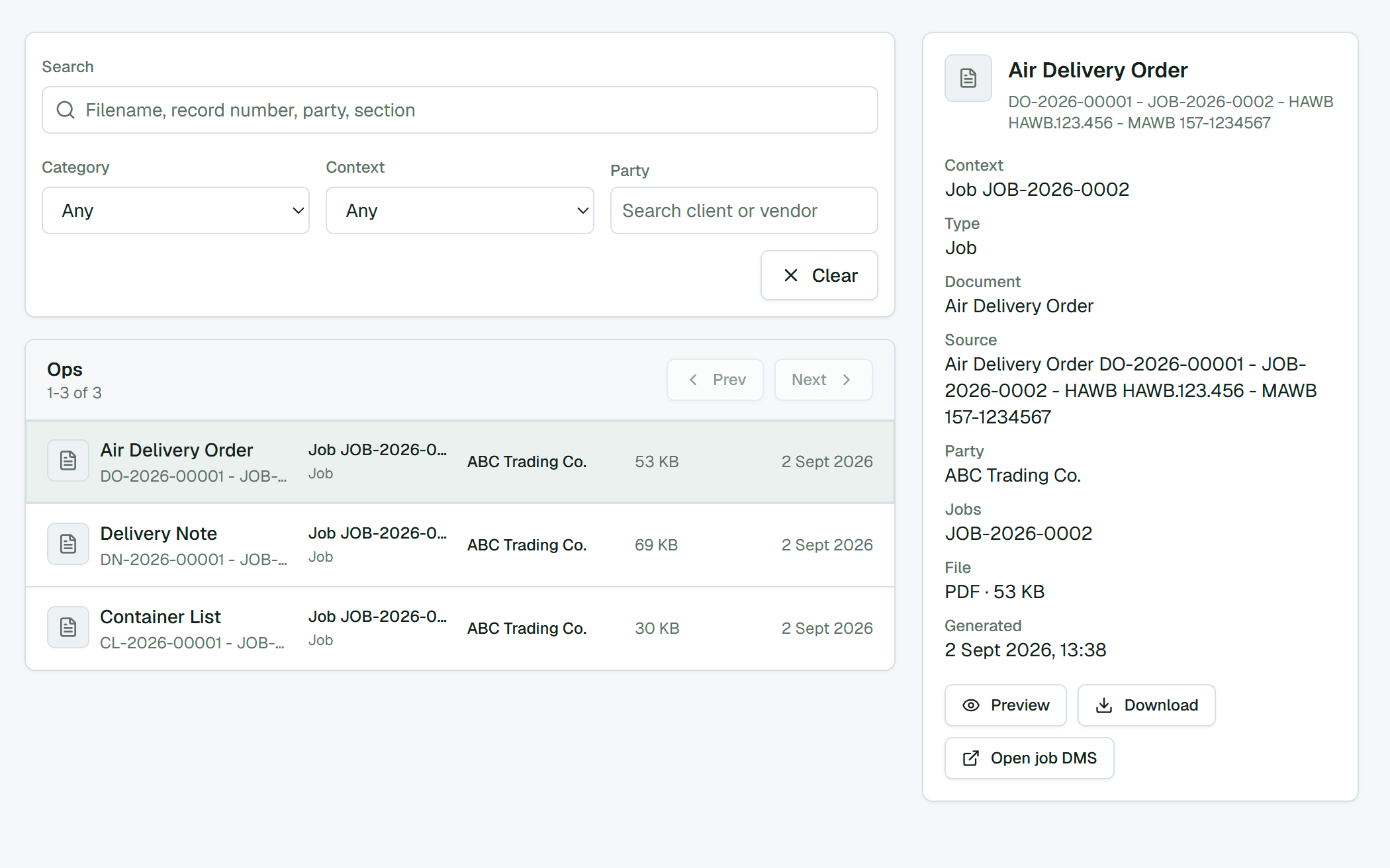
03 / Documents
Every document, uploaded by you or generated by Cargo35, lives in one place. Each one is attached to its job, quotation or party, and the Documents page lists them all, sorted. You never have to guess which document belongs where.

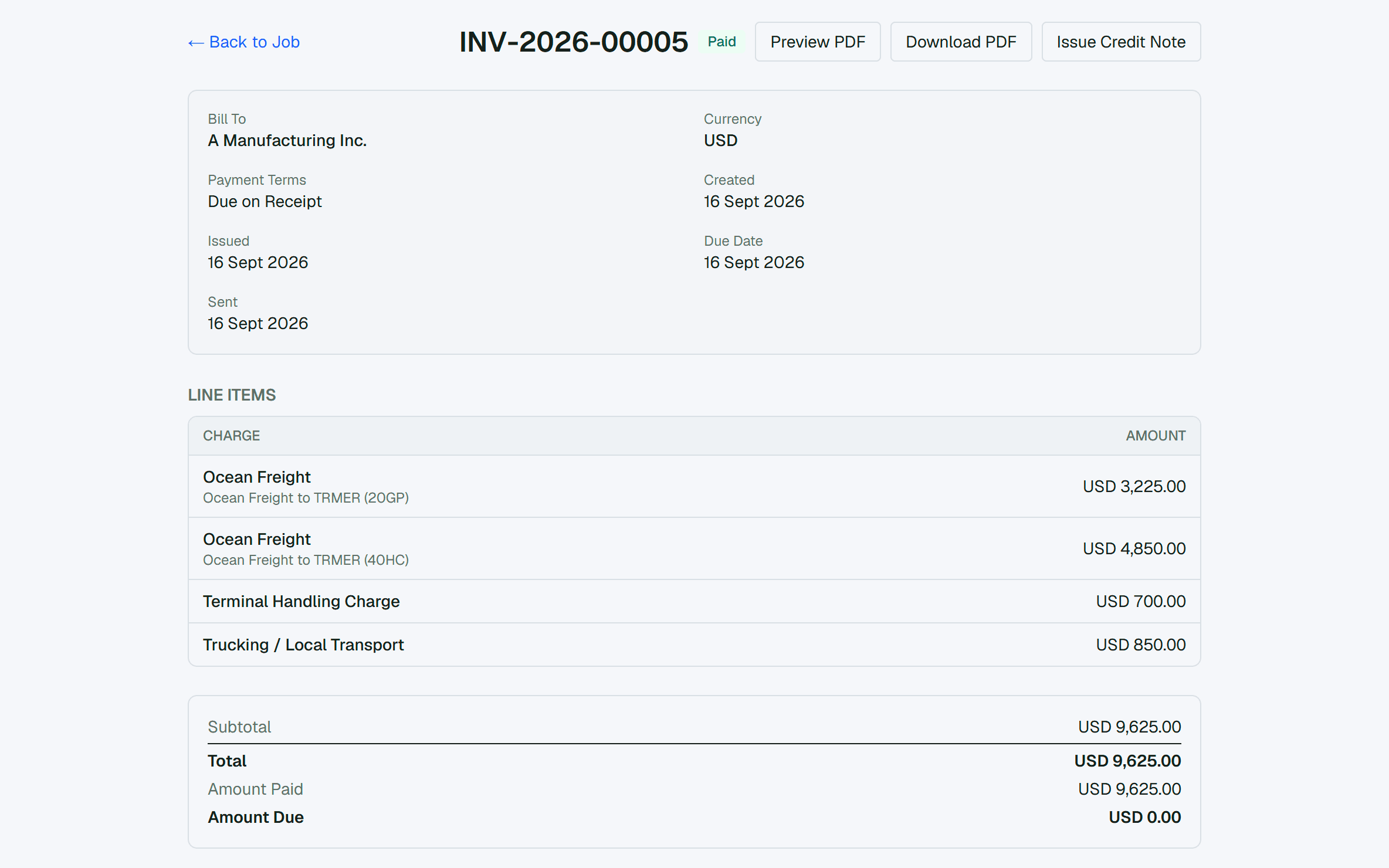
04 / Invoice and finance
The shipment is delivered, so it is time to get paid. Raise the invoice for your client straight from the job. If more than one party is paying for the shipment, invoice each of them from the same job.

Templates
Rate cards per carrier. Templates for fees, for the shipments you quote again and again, and for your specific clients. Share rate cards with your clients under your own branding.
Documents
Documents built for your own operation. Choose what the job fills in. They generate from the job like any other document.
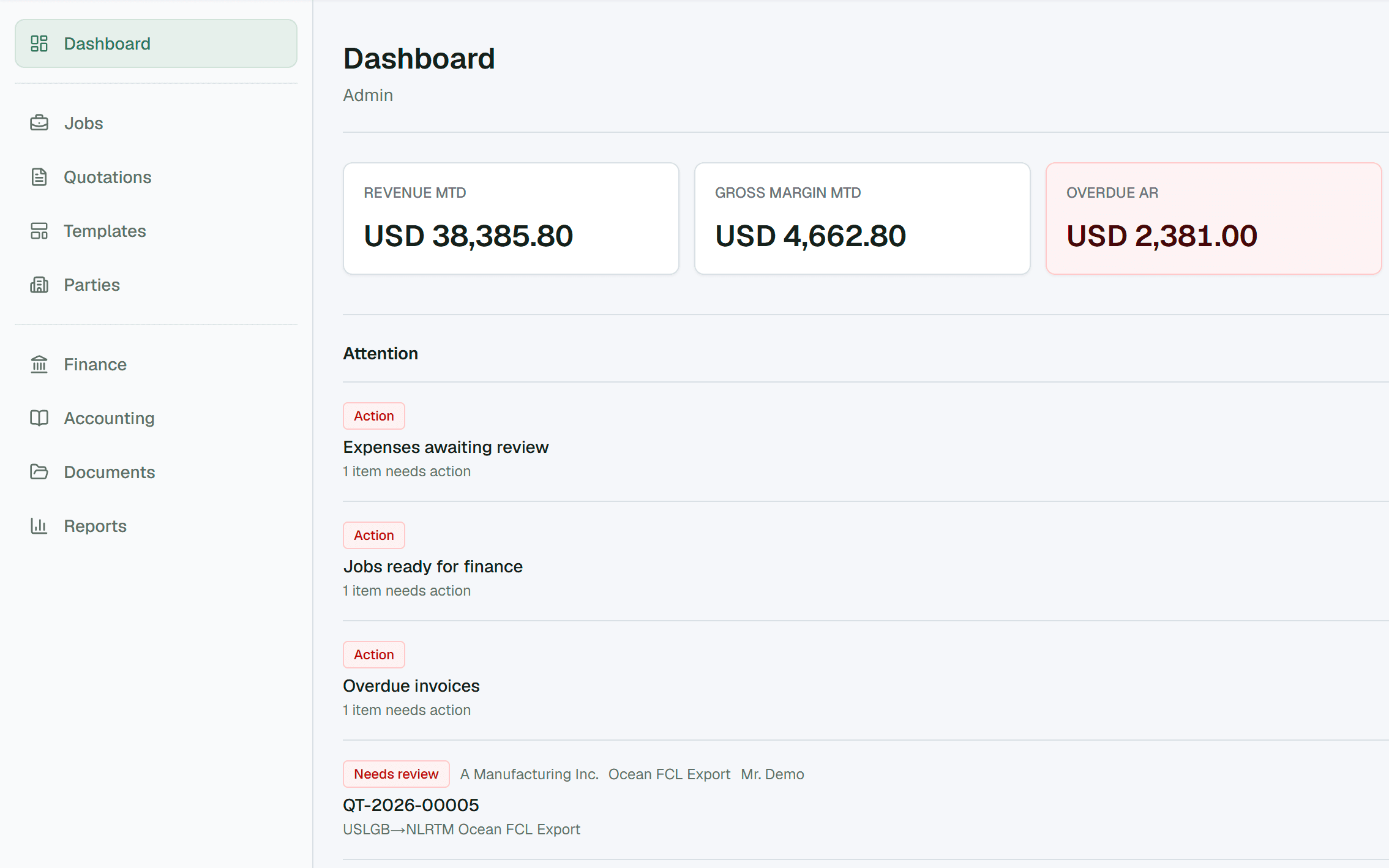
Finance
An accounting module is also available inside Cargo35 if you want everything in one place. If you already use third party accounting software, export your Cargo35 financials and use them there.
Tell us about your team and we come back to you with pricing.
Or write to us directly
info@cargo35.com